From here you can book your game console, controller repair with us
Game Console & Controller Repairs
Any PS5 Console, PS5 Controller
Any PS4 Console, PS4 Controller
Any Xbox Series Console, Xbox Series Controller
Any Xbox One Console, Xbox One Controller
Any Nintendo Switch Console, Joy Con Controller
PS5 USB Port Not Working? Causes, Easy Fixes & PlayStation Repair in Chennai
Your PlayStation 5 is working perfectly. Games run smoothly, the graphics look incredible, and everything seems normal.
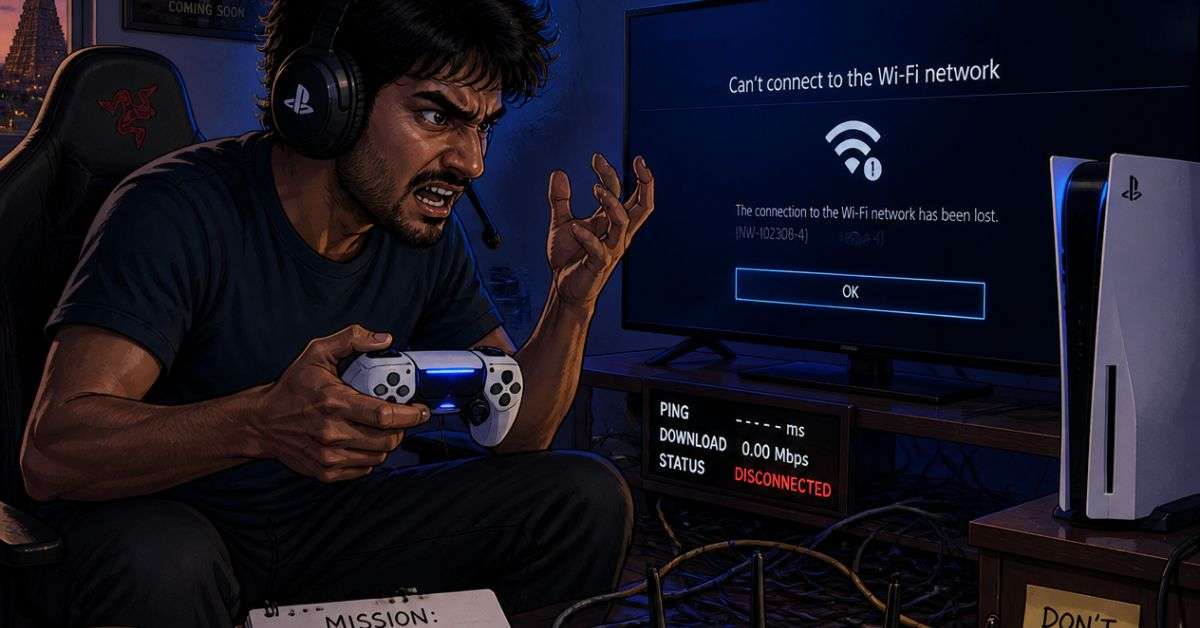
Then one day, you connect your external hard drive and nothing happens.
You try charging your controller through the console’s USB port, but it doesn’t respond. Or perhaps your gaming headset’s USB adapter suddenly stops connecting.
Now you’re wondering: Is my PS5 USB port damaged, or is something else causing the problem?
A USB connection problem can be frustrating, especially when you rely on accessories, external storage, or a wired controller connection.
The good news is that not every USB error requires hardware repair.
At ConsoleFixit Chennai, gamers can enquire about PlayStation 5 troubleshooting and console repair services through our locations in Vadapalani, Anna Nagar, Chromepet, and Arumbakkam.
Here’s what you should check before arranging a repair.
What Are the Signs of a PS5 USB Port Problem?
USB problems can affect different accessories in different ways.
You might experience:
A PS5 USB port that doesn’t recognise connected devices
A controller that won’t connect through a USB cable
An external hard drive that isn’t detected
A USB headset or wireless adapter that stops responding
A loose or visibly damaged USB-C connection
A USB device disconnecting when the cable moves
Error CE-109737-7 or CE-100006-7 when connecting storage
These symptoms can have different causes.
For example, an external hard drive may fail because of a storage compatibility problem rather than a damaged console USB port.
The first step is understanding what’s actually failing.
Does the PS5 Have Different Types of USB Ports?
Yes. PlayStation 5 consoles have four USB ports, but their types and supported speeds vary by model.
For example, an original PS5 from the CFI-1000 model group has:
One front USB Type-A Hi-Speed port
One front USB Type-C SuperSpeed port
Two rear USB Type-A SuperSpeed ports
The PS5 Slim and PS5 Pro model groups have two front USB-C ports with different supported speeds, along with two rear SuperSpeed USB-A ports.
This matters because certain accessories, particularly external storage drives, require a SuperSpeed USB connection.
A device not working in one PS5 port doesn’t always mean that port is broken. It may simply be the wrong connection for that accessory.
You can find the correct port for your console model in Sony’s official PS5 USB ports guide.
Start your Buy, Sell, Repair Game Console. To find your closest store
Leave your mobile phone number and we will call you back
7 Things to Try When Your PS5 USB Port Isn’t Working
1. Restart Your PlayStation 5
Start with the simplest troubleshooting step.
Turn off your PS5 completely and restart it.
Once the console has restarted, reconnect the affected accessory and check whether it is detected.
A temporary software or connection problem may sometimes be resolved by restarting the system.
2. Test a Different USB Port
If an accessory stops working through one USB port, try another compatible port.
For example, if an external storage drive isn’t recognised through a front port, check whether you’re using a SuperSpeed connection.
If the accessory works correctly through another suitable port, the original connection may require further investigation.
Always check accessory compatibility before assuming a port has failed.
3. Try Another Compatible USB Cable
USB cables can become damaged through repeated bending, pulling, and regular use.
A cable may appear normal from the outside but still have an internal problem.
If possible, use another known-working cable that meets the accessory’s requirements.
Remember that some USB cables support charging but not data transfer.
If the accessory works with another cable, replacing the cable may solve the problem without requiring PS5 repair.
4. Check for Visible USB Port Damage
Turn off your PS5 and unplug it before inspecting the USB ports.
Look for:
Bent or broken connectors
Loose port housing
Visible debris
Signs of physical damage
A connector that doesn’t fit securely
Do not insert needles, metal tools, or cleaning liquids into the port.
If you notice physical damage, arrange an inspection rather than repeatedly forcing a cable into the connector.
5. Connect USB Storage Directly to the PS5
Are you connecting an external hard drive through a USB hub?
Sony recommends connecting USB storage devices directly to the PS5 when troubleshooting recognition problems.
For USB extended storage, use a supported SuperSpeed USB port.
Remove unnecessary hubs and adapters, then test the connection again.
When disconnecting an extended storage device, use the PS5’s safe removal option first to help protect your data.
6. Check for PS5 System Software Updates
Software updates can improve system functionality and compatibility.
To check for updates:
Open Settings.
Select System.
Choose System Software.
Open System Software Update and Settings.
Check for available updates.
Follow the official instructions to install an update.
Avoid disconnecting power during the update process.
7. Test Another Compatible USB Device
If you have another known-working compatible USB accessory, test it using the same port.
For example, you could test a suitable controller data cable or another supported accessory.
If several compatible devices fail on the same port but work elsewhere, the port may need further diagnosis.
If only one accessory fails, investigate that accessory before replacing console hardware.
PS5 USB Device Not Recognised – What Do the Error Codes Mean?
Two PlayStation errors are particularly relevant to USB storage problems.
Error CE-109737-7
This error indicates that the PS5 cannot recognise a connected USB storage device.
Sony recommends checking the cable connection, bypassing USB hubs, trying another port, and testing another USB storage device.
Error CE-100006-7
This error is associated with an external storage drive that cannot be recognised.
The issue may involve drive compatibility, connections, software, or the storage device itself.
A new compatible drive may require formatting before it can be used as PS5 extended storage.
Important: Formatting erases the data already stored on the drive. Never format a drive containing important files without first understanding the consequences and arranging an appropriate backup.
If the storage device contains valuable data, avoid unnecessary formatting or repeated repair attempts.
Can a Damaged PS5 USB Port Be Repaired?
Some physically damaged USB ports can be repaired or replaced.
However, the repair method depends on the PS5 model and the condition of the connector and internal circuit board.
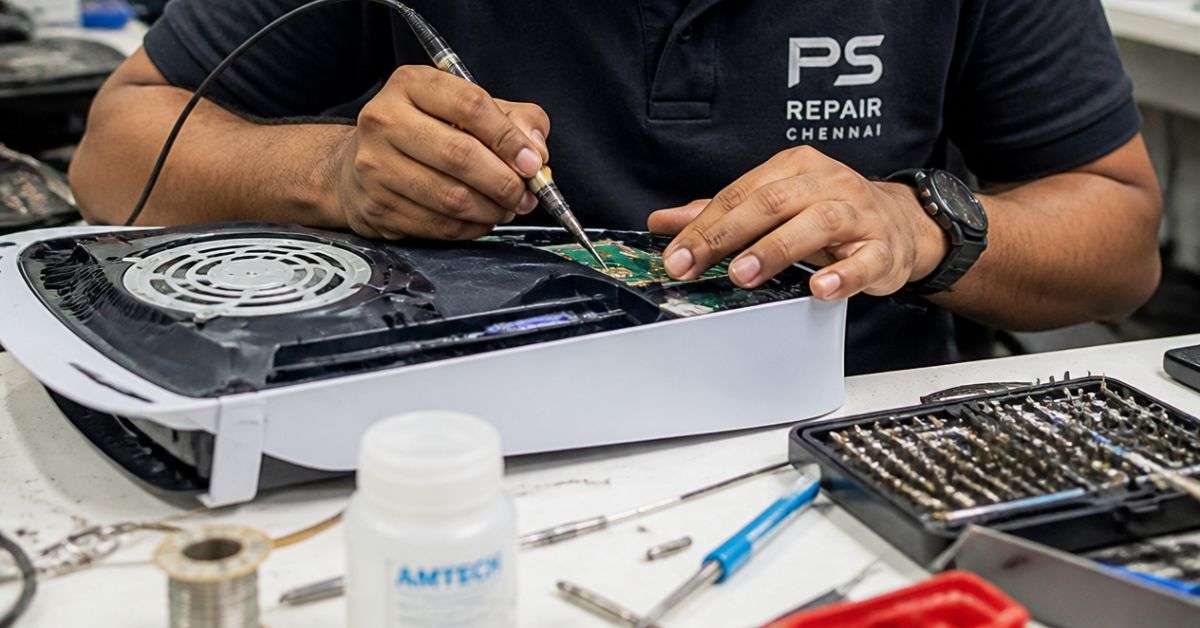
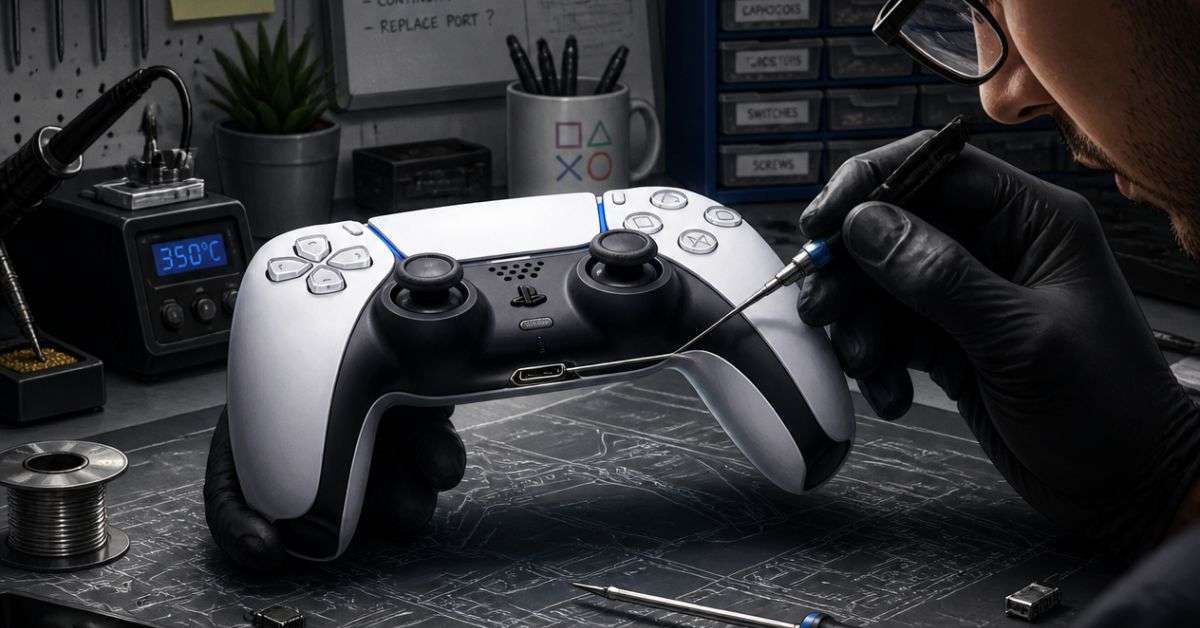
A damaged port may require specialised soldering equipment and component-level repair skills.
Not every connection problem involves the port itself. Internal circuitry, accessories, cables, and software can also contribute.
A professional inspection helps determine whether hardware repair is actually required.
At ConsoleFixit, customers can enquire about PS5 USB-related problems and available diagnosis or repair options.
PS5 External Hard Drive Not Working – Is the USB Port Faulty?
Not necessarily.
If your PS5 doesn’t detect an external drive, check its compatibility and connection requirements first.
For PS5 USB extended storage, Sony specifies a compatible SuperSpeed USB storage device with a capacity of 250 GB to 8 TB.
The drive must use a supported USB connection.
Another important point: PS5 games cannot be played directly from USB extended storage.
You can store supported PS5 games on the external drive, but you need to copy them back to the console’s internal storage or a compatible installed M.2 SSD before playing.
Compatible PS4 games, however, can be played directly from USB extended storage.
If the drive is connected correctly but still isn’t detected, further troubleshooting may be necessary.
PS5 USB Port Repair in Chennai – Find Your Nearest ConsoleFixit Branch
If your PS5 USB connection problems continue after basic troubleshooting, you can contact ConsoleFixit for repair assistance.
We have four Chennai locations where customers can enquire about PlayStation services.
ConsoleFixit – Vadapalani
Looking for PS5 USB port repair near Vadapalani?
Our Vadapalani location is situated on Arcot Road, opposite Nexus Forum Vijaya Mall.
Address: No. 159, KP Tower, 2nd Floor, Arcot Road, opposite Nexus Forum Vijaya Mall, Vadapalani, Chennai – 600026.
How Much Does PS5 USB Port Repair Cost in Chennai?
The cost of PS5 USB repair depends on the fault identified and the work required.
For example, replacing a damaged cable is different from repairing a USB connector attached to the console’s circuit board.
Some faults may require specialised component-level work.
Before approving a repair, ask about the diagnosis, estimated cost, required parts, repair time, and applicable service warranty.
If your console is still covered by Sony’s warranty, check official manufacturer repair options first.
Frequently Asked Questions About PS5 USB Repair
Why is my PS5 USB port not working?
Possible causes include a damaged cable, incompatible accessory, incorrect port selection, software issue, or a physical hardware fault.
Can a PS5 USB-C port be replaced?
Some damaged USB-C connectors can be replaced, depending on the console model and condition of the circuit board.
Why does my PS5 say USB device not recognised?
The device may have a connection, compatibility, power, or storage-related problem. Test another suitable cable and USB port before assuming the console is faulty.
Can I connect an external hard drive to any PS5 USB port?
No. PS5 USB extended storage requires a compatible SuperSpeed USB connection.
Will PS5 USB port repair delete my saved games?
A connector repair doesn’t normally require formatting the console’s storage. However, any repair can carry risks, so discuss data protection and backup options beforehand.
Where can I get PS5 USB port repair in Chennai?
Contact ConsoleFixit at Vadapalani, Anna Nagar, Chromepet, or Arumbakkam to enquire about PS5 USB-related diagnosis and repair options.
A Faulty USB Connection Doesn’t Always Mean Your PS5 Needs Replacing
USB problems can be inconvenient, particularly when they affect controllers, storage drives, or gaming accessories.
However, many connection issues can be investigated without immediately replacing hardware.
Start by checking cable compatibility, using the correct port, restarting your console, and testing another device.
If your PS5 still fails to recognise compatible accessories, arrange an inspection.
Looking for PS5 USB port repair in Chennai?
Get in touch with your nearest ConsoleFixit branch and explain the symptoms you’re experiencing.




 PlayStation Repair
 Xbox Repair
 Nintendo Repair
 Virtual reality (VR) Repair
 Accessories Repair