From here you can book your game console, controller repair with us
Game Console & Controller Repairs
Any PS5 Console, PS5 Controller
Any PS4 Console, PS4 Controller
Any Xbox Series Console, Xbox Series Controller
Any Xbox One Console, Xbox One Controller
Any Nintendo Switch Console, Joy Con Controller
PS5 Controller Not Charging? Common Causes, Easy Fixes & DualSense Repair in Chennai
You’ve had a long day, and all you want to do is relax with your favourite PlayStation 5 game.
You pick up your DualSense controller, press the PS button, and realise the battery is completely empty.
No problem. You connect the USB-C charging cable and leave it for a while.
But when you return, the controller still won’t turn on.
You try another cable, change the USB port, and wonder whether it’s time to buy a new controller.
If your PS5 controller is not charging, don’t replace it just yet.
The problem could be caused by a faulty USB cable, charging settings, a damaged USB-C port, or a battery-related issue.
Some problems are easy to resolve at home. Others require professional inspection.
At ConsoleFixit Chennai, gamers can enquire about PS5 DualSense controller repairs through our service locations in Vadapalani, Anna Nagar, Chromepet, and Arumbakkam.
Let’s look at what might be wrong and how you can troubleshoot it safely.
Why Is Your PS5 Controller Not Charging?
A DualSense controller contains a rechargeable battery that powers its wireless features, vibration, adaptive triggers, and other functions.
When you connect a compatible charging cable, the controller should receive power and charge its battery.
However, charging can fail for several reasons.
Common causes include:
Faulty or incompatible USB-C cables
Problems with the PS5 console’s USB port
Incorrect Rest Mode charging settings
Damaged or loose controller charging ports
Battery deterioration
Internal charging circuit faults
Temporary controller software problems
The symptoms can help narrow down the possibilities, but they don’t always identify the exact faulty component.
7 Things to Try When Your PS5 Controller Won’t Charge
Before arranging a DualSense repair, try these troubleshooting steps.
1. Try Another USB-C Charging Cable
One of the simplest explanations is a faulty cable.
USB-C cables can become damaged after repeated bending, pulling, or frequent use.
Sony recommends trying a compatible USB cable that supports both charging and data transfer.
Connect the controller to your PS5 using another known-working cable.
If the controller begins charging normally, you may have solved the problem without needing a repair.
2. Connect Your Controller to Another USB Port
Sometimes the USB port you’re using may be responsible for the problem.
Disconnect the charging cable from the console and connect it to another compatible USB port.
If your controller charges from one port but not another, the issue may involve the original USB connection.
Avoid forcing connectors into ports that feel unusually tight or damaged.
3. Check Your PS5 Rest Mode Charging Settings
Have you noticed that your controller charges while your PS5 is switched on but stops charging when the console enters Rest Mode?
The problem might be related to your power-saving settings.
To check:
Open Settings on your PS5.
Select System.
Open Power Saving.
Choose Features Available in Rest Mode.
Select Supply Power to USB Ports.
Choose Always or 3 Hours.
Compatible PS5 models may also offer an Adaptive charging option.
After adjusting the settings, connect your controller and check whether charging works in Rest Mode.
Start your Buy, Sell, Repair Game Console. To find your closest store
Leave your mobile phone number and we will call you back
4. Check the Controller’s Battery Indicator
Before assuming your controller isn’t charging, check its battery status on the PS5.
Press the PS button and open the Accessories section in the Control Centre.
When charging normally, the battery icon should animate with a lightning bolt symbol.
If you’re charging in Rest Mode, the controller light bar generally pulses orange during charging and switches off when charging is complete.
If the controller is completely unresponsive, these indicators may not be available.
5. Reset Your DualSense Controller
A controller reset may help with certain connection or software-related problems.
To reset your DualSense controller:
Switch off your PlayStation 5.
Locate the small reset button opening on the back of the controller.
Use a suitable pin to press the reset button gently.
Connect the controller to your PS5 using a compatible USB data cable.
Press the PS button.
Check whether your controller reconnects and begins charging.
Remember that resetting a controller won’t repair a physically damaged charging port or worn-out battery.
6. Inspect the USB-C Charging Port
The charging port is one of the components that experiences frequent physical use.
Every time you connect or disconnect the charging cable, the USB-C connector is subjected to some mechanical stress.
Look for warning signs such as:
A charging cable that fits loosely
Charging that stops when the cable moves
Visible damage around the USB-C port
A connector that no longer fits correctly
Charging failure with multiple compatible cables
Do not insert pins, metal objects, or liquids into the charging port to clean it.
If you suspect physical damage, professional inspection is the safer option.
7. Check Whether the Controller Battery Is the Problem
Rechargeable batteries gradually lose capacity as they age.
If your DualSense controller charges but loses power much faster than it used to, the battery may be deteriorating.
However, short battery life and complete charging failure are not always caused by the same problem.
A technician can help determine whether the battery, connector, or another component requires attention.
If you notice battery swelling, excessive heat, leakage, or an unusual smell, stop charging and using the controller immediately.
PS5 Controller Charging Port Repair – When Is It Necessary?
If your controller charges only when the cable is held at a particular angle, a damaged USB-C connector is one possible explanation.
The connector is attached to the controller’s internal circuit board.
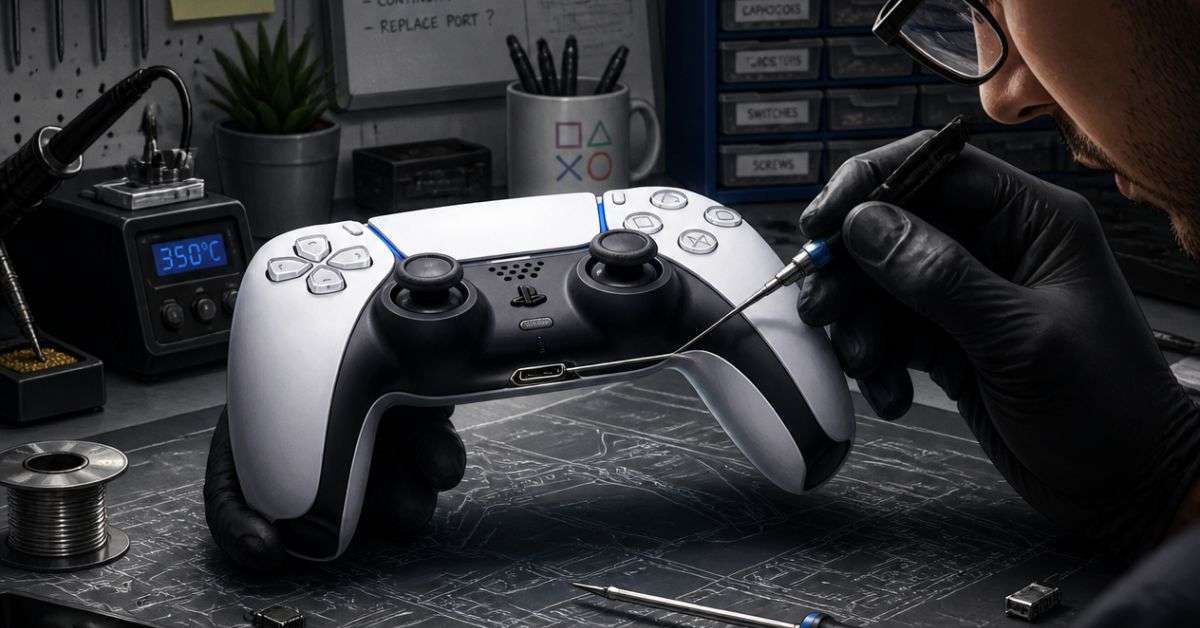
Repairing or replacing it may require specialist soldering skills and suitable equipment.
Attempting this work without experience can damage nearby components.
At ConsoleFixit, customers can enquire about PS5 controller charging port inspection and repair in Chennai.
The repair approach depends on what the technician finds during diagnosis.
PS5 Controller Battery Replacement – Is It Worth It?
A controller that loses battery power quickly may not need to be replaced entirely.
Depending on the model and condition, replacing a faulty battery may be possible.
Before choosing battery replacement, consider:
The overall age of your controller
Whether other buttons or features are working
The condition of the charging port
The cost of replacement parts and labour
The price of a new DualSense controller
If the controller is otherwise working properly, repair may be worth considering.
However, replacing a battery won’t solve a charging problem caused by a damaged USB-C connector or internal charging circuitry.
Accurate diagnosis matters.
Can You Charge a PS5 Controller With a Phone Charger?
Some USB chargers that comply with applicable USB standards can charge a DualSense controller.
However, not every phone charger or USB charging device is compatible.
Sony recommends using the USB cable supplied with the PlayStation console or another appropriate charging-and-data cable.
If your controller isn’t charging with a third-party charger, test it directly with your PS5 console before assuming the controller is faulty.
Avoid damaged chargers, exposed wiring, and unverified charging accessories.
PS5 Controller Charging Repair in Chennai – Visit ConsoleFixit
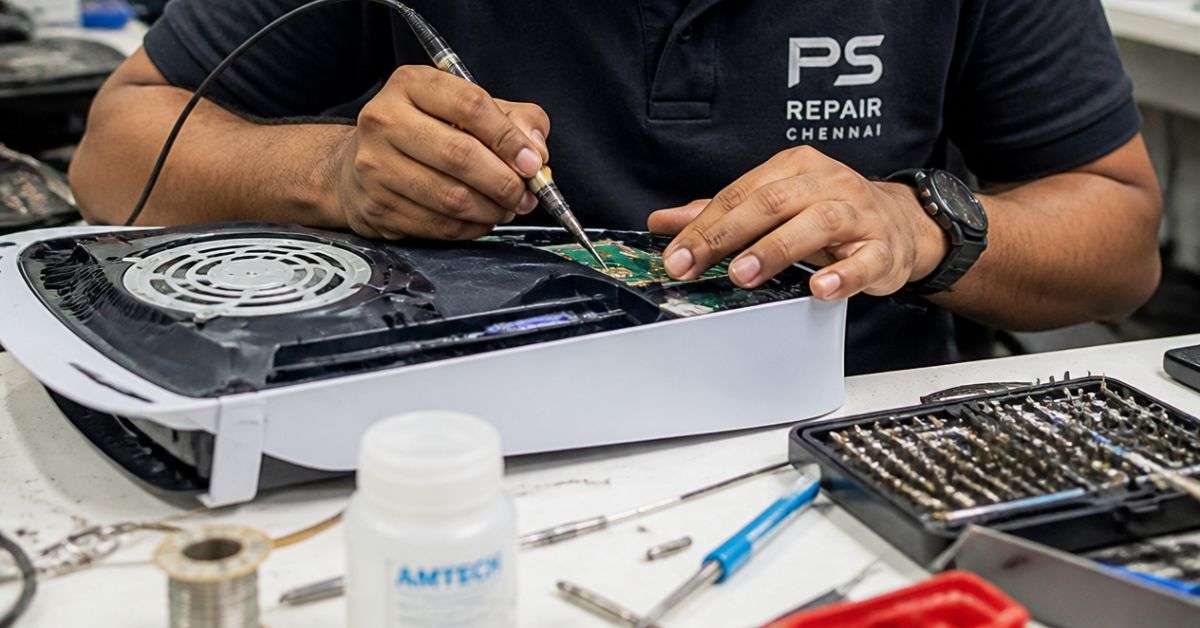
If your controller continues refusing to charge, you can enquire about repair assistance at one of our Chennai locations.
ConsoleFixit – Vadapalani
Looking for PS5 DualSense controller repair near Vadapalani?
Our Vadapalani location provides gaming console and controller repair enquiries for customers in and around the area.
Address: No. 159, KP Tower, 2nd Floor, Arcot Road, opposite Nexus Forum Vijaya Mall, Vadapalani, Chennai – 600026.
How Much Does PS5 Controller Charging Repair Cost in Chennai?
The cost depends on the diagnosed problem.
For example, a damaged charging connector may require different repair work from a failing battery.
The controller model, replacement parts, and condition of the internal components can also influence the quotation.
Before approving a repair, ask about the expected cost, service time, replacement parts, and applicable warranty.
If your DualSense controller is still under Sony’s applicable manufacturer’s warranty, check the official service options first.
Frequently Asked Questions About PS5 Controller Charging Problems
Why is my PS5 controller not charging when plugged in?
The problem could involve a faulty cable, USB port, charging settings, damaged connector, or battery-related fault. Start by testing a compatible cable and another console USB port.
Can a PS5 controller charging port be repaired?
Yes. Some damaged DualSense USB-C charging ports can be repaired or replaced, depending on the condition of the circuit board and surrounding components.
Why does my PS5 controller charge only at a certain angle?
This may indicate a loose cable or damaged charging connector. Avoid repeatedly moving the cable to force charging, and arrange an inspection if the problem continues.
Can a PS5 controller battery be replaced?
Battery replacement is technically possible on many DualSense controllers. A technician should first determine whether the battery is responsible for the problem.
Why is my DualSense controller not charging in Rest Mode?
Check the PS5 setting under System > Power Saving > Features Available in Rest Mode > Supply Power to USB Ports.
Where can I repair my PS5 controller in Chennai?
Contact ConsoleFixit at Vadapalani, Anna Nagar, Chromepet, or Arumbakkam to enquire about DualSense controller repair services.
Don’t Replace Your DualSense Controller Before Checking the Problem
A PS5 controller that won’t charge can interrupt your gaming sessions and leave you wondering whether buying a new controller is your only choice.
Fortunately, not every charging issue requires replacement.
Sometimes changing a cable or adjusting a PS5 setting is enough. Other times, a damaged port or faulty battery needs professional attention.
Looking for PS5 controller charging port or battery repair in Chennai?
Contact your nearest ConsoleFixit branch to discuss the problem and available repair options.





 PlayStation Repair
 Xbox Repair
 Nintendo Repair
 Virtual reality (VR) Repair
 Accessories Repair