From here you can book your game console, controller repair with us
Game Console & Controller Repairs
Any PS5 Console, PS5 Controller
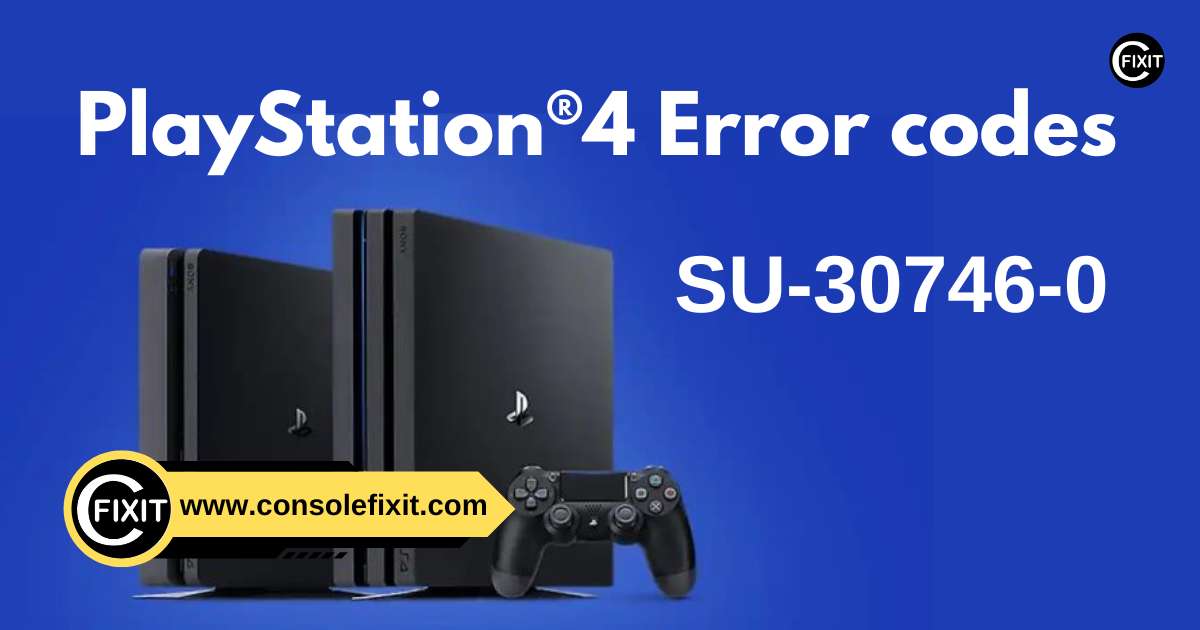
Any PS4 Console, PS4 Controller
Any Xbox Series Console, Xbox Series Controller
Any Xbox One Console, Xbox One Controller
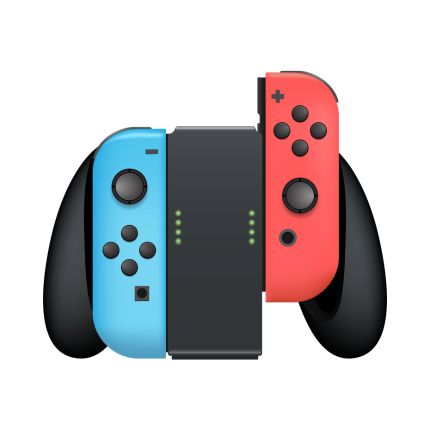
Any Nintendo Switch Console, Joy Con Controller
The downloaded file was not installed in the system properly. It is likely that the data has been corrupted during the download process.
Delete the downloaded file. On PlayStation®4, go to Notifications > Downloads and select the content. Then press the OPTIONS button on your controller and delete the downloaded content.
Retry downloading the file. If you had the error with a game patch, highlight the game application on the Home Screen, press the OPTIONS button and select Check for Update. If you had the error with a game from PlayStation®Store, go to Library and select the application to download the file.
If the error persists, try initializing your system by going to Settings > Initialization > Initialize PS4 > Quick. Then try re-downloading the content.
If the error persists and if you have previously upgraded HDD, switch to the original HDD and re-install the system software. After system re-installation or initialization, try re-downloading the content.




 PlayStation Repair
 Xbox Repair
 Nintendo Repair
 Virtual reality (VR) Repair
 Accessories Repair