 PlayStation Repair
 Xbox Repair
 Nintendo Repair
 Virtual reality (VR) Repair
 Accessories Repair
Console Repair and Servicing | Professional Repair for PlayStation, Xbox and Nintendo

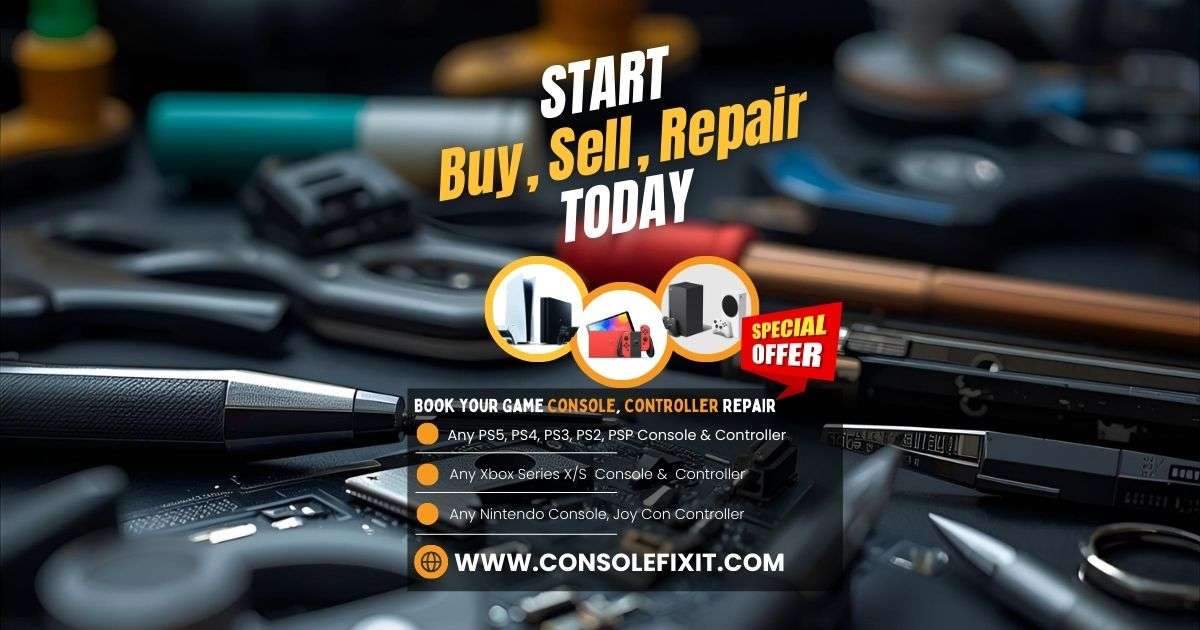
Console Repair and Servicing: Complete Guide for Gaming System Owners
Gaming consoles are an essential part of entertainment for many households. Systems like PlayStation, Xbox and Nintendo Switch are designed for high performance, long play sessions and smooth online gaming. However, like any electronic device, consoles can develop technical faults over time due to usage, dust, power fluctuations or accidental damage.
When this happens, professional console repair and servicing can help restore performance, prevent further damage, and extend the life of the device.
This guide covers common issues, repair processes, costs, and how to find the right service provider.
Why Console Repair and Servicing Are Important
Gaming consoles contain advanced hardware including processors, cooling systems, SSD or HDD storage, HDMI output, Wi-Fi modules and controllers. Over time, these components can degrade or fail.
Servicing helps prevent long-term damage by:
-
Cleaning internal dust buildup
-
Checking thermal performance
-
Diagnosing early hardware failure
-
Updating system firmware
-
Maintaining port and connector health
Just like a computer or smartphone, periodic servicing helps consoles run smoothly.
Common Console Problems That Require Repair
Different console brands may experience different issues, but most repair and service centers handle the following:
Power and Boot Issues
-
Console not turning on
-
Random shutdowns
-
Stuck on startup or error screens
HDMI and Display Failures
-
No signal on TV
-
Damaged HDMI ports
-
Flickering or distorted output
Overheating and Fan Noise
-
High temperature warnings
-
Loud internal fan
-
Console shutting off during gameplay
Software and Storage Problems
-
Firmware update failure
-
Slow performance
-
Game freeze or system crash
Controller Issues
-
Stick drift
-
Charging failure
-
Connectivity problems
What Is Included in Console Servicing?
A professional servicing session typically includes:
-
Internal dust cleaning
-
Fan and cooling system maintenance
-
Thermal paste replacement if required
-
Software update check
-
Hardware diagnostic scan
-
Port health and cable testing
Regular servicing keeps the console performing at peak efficiency.
Repair or Replace: Which Option Is Better?
Use the following guide:
| Situation | Best Option |
|---|---|
| Minor repair like HDMI replacement or controller fix | Repair |
| Console under warranty | Warranty servicing |
| Multiple failures on an older model | Consider replacement |
| Software issue or maintenance requirement | Servicing |
| Overheating or gradual performance drop | Servicing |
Repair is usually more affordable than replacing the console, especially for newer models.
How to Choose the Right Console Repair and Servicing Provider
Before handing over your device, make sure the repair shop offers:
-
Experience with your specific console model
-
Diagnostic and repair transparency
-
Genuine or high-quality replacement parts
-
Warranty on workmanship and parts
-
Proper tools and safe handling environment
-
Reasonable turnaround time
-
Testing before handover
A professional service will also document the condition before and after repair.
Preventive Tips for Console Care
To avoid repeated repairs, follow these practices:
-
Keep the console in a ventilated area
-
Avoid placing the console inside closed cabinets
-
Clean dust from vents regularly
-
Use a surge protector or UPS
-
Do not pull cables forcefully
-
Update the system regularly
-
Allow cooling breaks after long sessions
These habits help protect hardware and improve performance.

Your Repair , Our Concern- Leave your Phone Number & We will Call you back . Consolefixit Pvt Ltd are experts at fixing game consoles. If your Xbox, PlayStation, or Nintendo..etc is Broken and needs Repairing, Give us a Enquiry for a Free quote today.