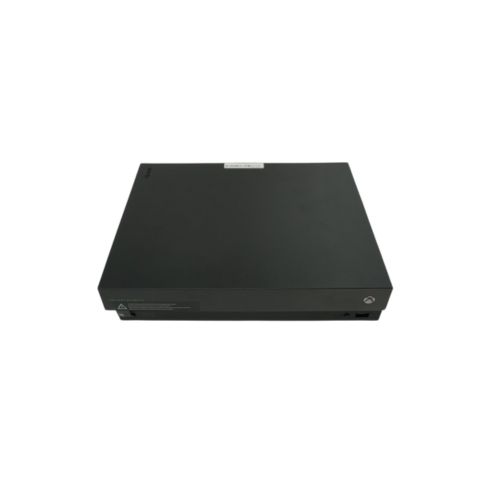
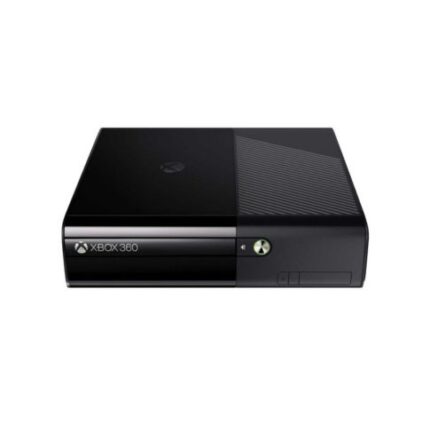
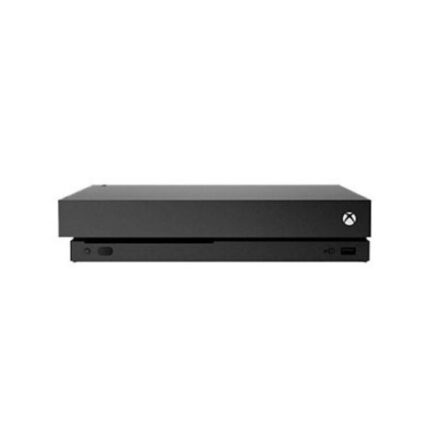
Xbox One X Project Scorpio Edition Repair
Are you experiencing a specific issue with your Xbox One X Project Scorpio Edition, or are you looking for general repair information? Below are some common problems and potential fixes:
1. Console Won’t Turn On
✅ Troubleshooting Steps:
- Power Reset: Unplug the power cord for 10 seconds, then plug it back in.
- Check Power Supply: Ensure the cable is not damaged; try a different outlet.
- Internal Power Surge: If the console was exposed to a power surge, it may need a power supply replacement.
2. HDMI Port Issues (No Display / Flickering Screen)
✅ Possible Fixes:
- Use a different HDMI cable & port on your TV.
- Inspect the HDMI port for damage (bent pins, loose connection).
- Try a different resolution: Boot in low-resolution mode by holding the Power + Eject button for 10 seconds.
- If the port is physically damaged, it will require HDMI port replacement (soldering needed).
3. Overheating & Shutdowns
✅ Fix:
- Clean the cooling system (remove dust from the fan and vents).
- Replace the thermal paste to improve cooling.
- Keep the console in a well-ventilated area to avoid heat buildup.
4. Disc Drive Not Reading Discs
✅ Possible Solutions:
- Clean the disc and try again.
- Clean the laser lens using isopropyl alcohol and a cotton swab.
- If the drive still doesn’t work, the disc drive or laser module may need replacement.
5. USB Ports Not Working
✅ Steps to Fix:
- Restart the console and check with a different USB device.
- If the issue persists, replace the USB board (requires opening the console).




 PlayStation Repair
 Xbox Repair
 Nintendo Repair
 Virtual reality (VR) Repair
 Accessories Repair
Reviews
There are no reviews yet.